The best Instagram Reels video format is a vertical 9:16 video at 1080 x 1920 pixels, saved as an MP4 (H.264 video, AAC audio) at around 30 frames per second. The good news for busy business owners is that the same file also works for YouTube Shorts, so you can shoot once and post on both platforms. Below we explain the exact settings, length limits, safe zones and export tips, with simple examples for shops, clinics, builders and coaching classes in Vasai, Virar and Mumbai.
Getting the format right matters more than most people think. A wrongly sized video gets black bars, blurry text or important details cut off by the app buttons. That lowers watch time, and watch time is one of the biggest signals both Instagram and YouTube use to decide who sees your content.
Instagram Reels video format at a glance
Here are the settings most social media teams use today for Reels:
- Aspect ratio: 9:16 (full-screen vertical)
- Resolution: 1080 x 1920 pixels (Full HD vertical)
- File type: MP4 or MOV
- Video codec: H.264, with AAC audio
- Frame rate: 30 fps is the usual standard
- Length: Reels can now run up to 3 minutes
These figures are taken from current spec guides such as SocialPilot’s Instagram video size guide. Instagram changes its limits from time to time, so it is worth checking the app before a big campaign.
YouTube Shorts format: what is different?
YouTube Shorts uses the same vertical 9:16, 1080 x 1920 format. According to YouTube Help, any video with a square or vertical aspect ratio up to three minutes long is treated as a Short. A wide 16:9 video stays a normal long-form video, even if it is short.
One important rule: if a Short is longer than one minute and gets a copyright claim (for example, because of a popular film song in the background), YouTube blocks it worldwide until the claim is removed. Shorts of one minute or less are not affected by this rule. So if you use trending music, keep your Short under 60 seconds or use royalty-free audio.
Reels vs Shorts format comparison
| Setting | Instagram Reels | YouTube Shorts |
|---|---|---|
| Aspect ratio | 9:16 vertical | 9:16 vertical (square also allowed) |
| Recommended size | 1080 x 1920 px | 1080 x 1920 px |
| Maximum length | Up to 3 minutes | Up to 3 minutes |
| File type | MP4 or MOV | MP4 or MOV |
| Music risk | Use Instagram’s audio library for safety | Shorts over 1 minute with a copyright claim are blocked |
| Best for | Local reach, followers, DMs and enquiries | Search discovery and long-term views |
If you are still deciding which platform deserves more of your time, read our earlier article on Reels vs Shorts for business.
Ideal length for Reels and Shorts
Just because you can post a 3-minute video does not mean you should. For most small businesses, shorter works better because people decide in the first two seconds whether to keep watching.
- 7–15 seconds: offers, quick before-and-after clips, new stock arrivals at a shop in Vasai West.
- 15–45 seconds: tips, FAQs, a doctor explaining one common question, a site walkthrough highlight for a project in Virar.
- 45–90 seconds: mini tutorials, coaching class toppers sharing study tips, client stories.
- Up to 3 minutes: only when the content is truly valuable step by step, such as a full property tour or recipe.
A good rule: cut every second that does not add value. A tight 30-second Reel almost always beats a slow 2-minute one.
Safe zones: keep text and faces visible
Both apps place buttons and text over your video: the username and caption at the bottom, the like, comment and share icons on the right, and a header at the top. Anything you put in those areas can get hidden.
- Keep your main text, logo and product in the centre of the frame.
- Leave extra space at the bottom, where captions and the username appear.
- Avoid placing phone numbers or prices on the far right edge.
- Preview your video in the app’s draft mode before posting.
Your cover image should also be 1080 x 1920, but keep the title in the middle, because Instagram shows a cropped version of the cover on your profile grid.
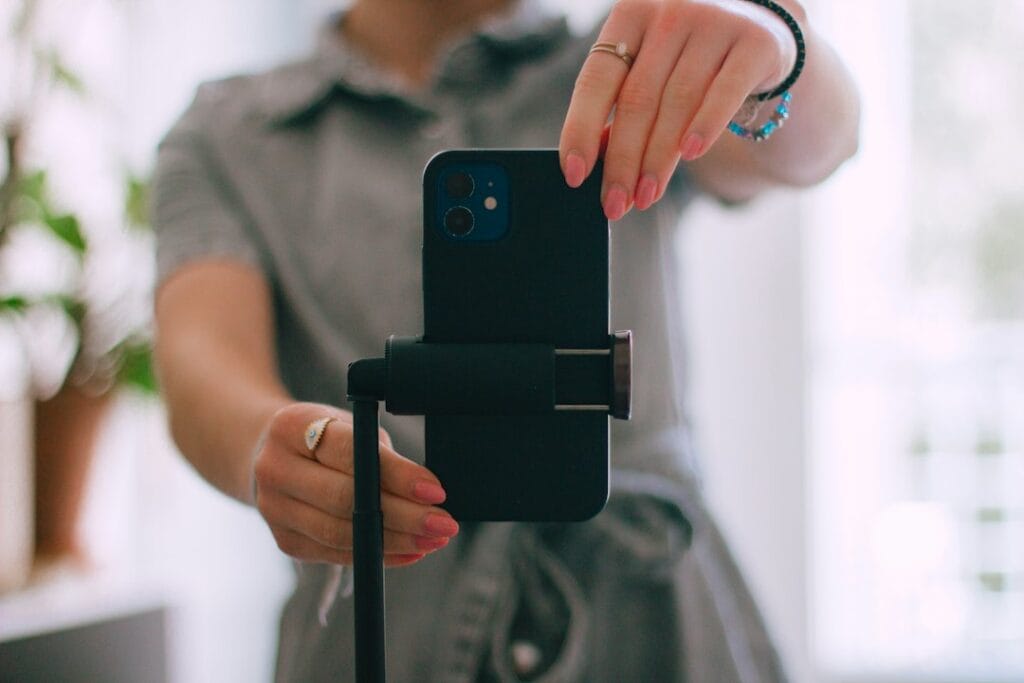
How to shoot in the right format with just a phone
You do not need an expensive camera. Most modern smartphones shoot excellent Reels if you follow a few basics:
- Hold the phone vertically from the start. Converting a horizontal video later crops away most of the frame.
- Record at 1080p and 30 fps. 4K looks nice but creates huge files; the apps compress it anyway.
- Use natural light from a window or a simple ring light, and face the light.
- Use a basic clip-on mic. Poor sound makes people scroll away faster than poor video.
- Clean the lens and lock focus and exposure by tapping and holding on your subject.
Best export settings for Instagram Reels and YouTube Shorts
When editing in apps like CapCut, InShot, VN or Premiere Pro, use these export settings for your Instagram Reels video format and Shorts:
- Canvas: 9:16, 1080 x 1920
- Format: MP4, H.264 codec, AAC audio
- Frame rate: same as you recorded (usually 30 fps)
- Bitrate: a medium-to-high setting; very low bitrates make text look blurry after upload
Tip: upload over a stable Wi-Fi connection and turn on the “upload at highest quality” option in Instagram’s settings, if your app shows it. Many blurry Reels are caused by mobile data uploads, not by the editing.
Common format mistakes that hurt reach
- Posting horizontal videos with black bars at the top and bottom.
- Re-uploading TikTok or Reels videos with another app’s watermark, which platforms tend to push down.
- Tiny text that cannot be read on a phone screen.
- No captions. Many people watch with sound off, especially in offices and local trains.
- Slow openings. Start with the hook, not with your logo animation.
Local examples: format ideas for Vasai, Virar and Mumbai businesses
Here is how different local businesses can use the same 9:16 format well:
- Clothing and jewellery shops: 10-second “new arrival” Reels with the product in the centre and price in large text.
- Clinics and hospitals: 30-second doctor tips, filmed vertically with a clip-on mic and clear captions.
- Real estate projects: 45–60 second walkthroughs, posted as Reels for local reach and as Shorts for search.
- Coaching classes: short exam tips or topper interviews shot in good classroom light.
- Restaurants and cafes: fast close-up food shots with trending audio from Instagram’s library (keep Shorts versions under one minute).
Consistency matters as much as quality. A simple content calendar with 3–4 Reels a week usually does more than one perfect video a month. If you need help planning and producing this regularly, our reels and short video content service covers scripting, shooting guidance and editing.
When to hire a professional editor
Doing it yourself is fine when you are starting out. Consider professional video editing services when you are running ads, launching a project, or posting often enough that editing eats into your working hours. To understand typical pricing, see our guide on reels editing charges in India. And if you want Reels to be part of a bigger plan with ads and posting, our social media marketing team can handle the full strategy.
Frequently asked questions
What is the best size for Instagram Reels?
The best size is 1080 x 1920 pixels in a 9:16 vertical aspect ratio. This fills the full phone screen without black bars.
Can I use the same video for Reels and YouTube Shorts?
Yes. Both use the same 9:16 vertical format. Just remove any watermark from other apps, and keep the Shorts version under one minute if it uses copyrighted music.
How long can an Instagram Reel be?
Reels can currently be up to 3 minutes long. For most businesses, 15–45 seconds works best for watch time and engagement.
Should I upload Reels in 4K?
It is not necessary. Instagram and YouTube compress videos for mobile viewing, so a clean 1080p export at 30 fps is usually the best balance of quality and file size.
Get Reels that look professional and bring enquiries
Viptro Technologies helps businesses in Vasai, Virar and Mumbai plan, edit and promote Reels and Shorts that are built for reach and leads. Book a free consultation today: call or WhatsApp +91 7028180426, or contact us here. We are available Monday to Saturday, 9 AM to 8 PM.